
help
1
A Singapore Government Agency Website
Back to home
Updated by HELP 
How do I manage Studio editing access and Help Centre reader access?
🚀 This feature is in Beta, please let us know if you would like access to it
Studio editing access and help centre reader access serve different purposes.
Studio access: lets Site Owners and Editors work on your agency’s content.
Help centre reader access: lets the intended audience read a particular restricted centre. It does not let them create, edit or publish articles.
Manage Studio users
As a Site Owner, open Team in Studio to review your agency’s users.
To add someone, enter their email address and assign the appropriate role using the add-user controls.
To remove someone, select the user and use the removal action.
A Site Owner cannot remove themselves. Another Site Owner must remove their access. If there is only one Site Owner, add another first.
Manage readers
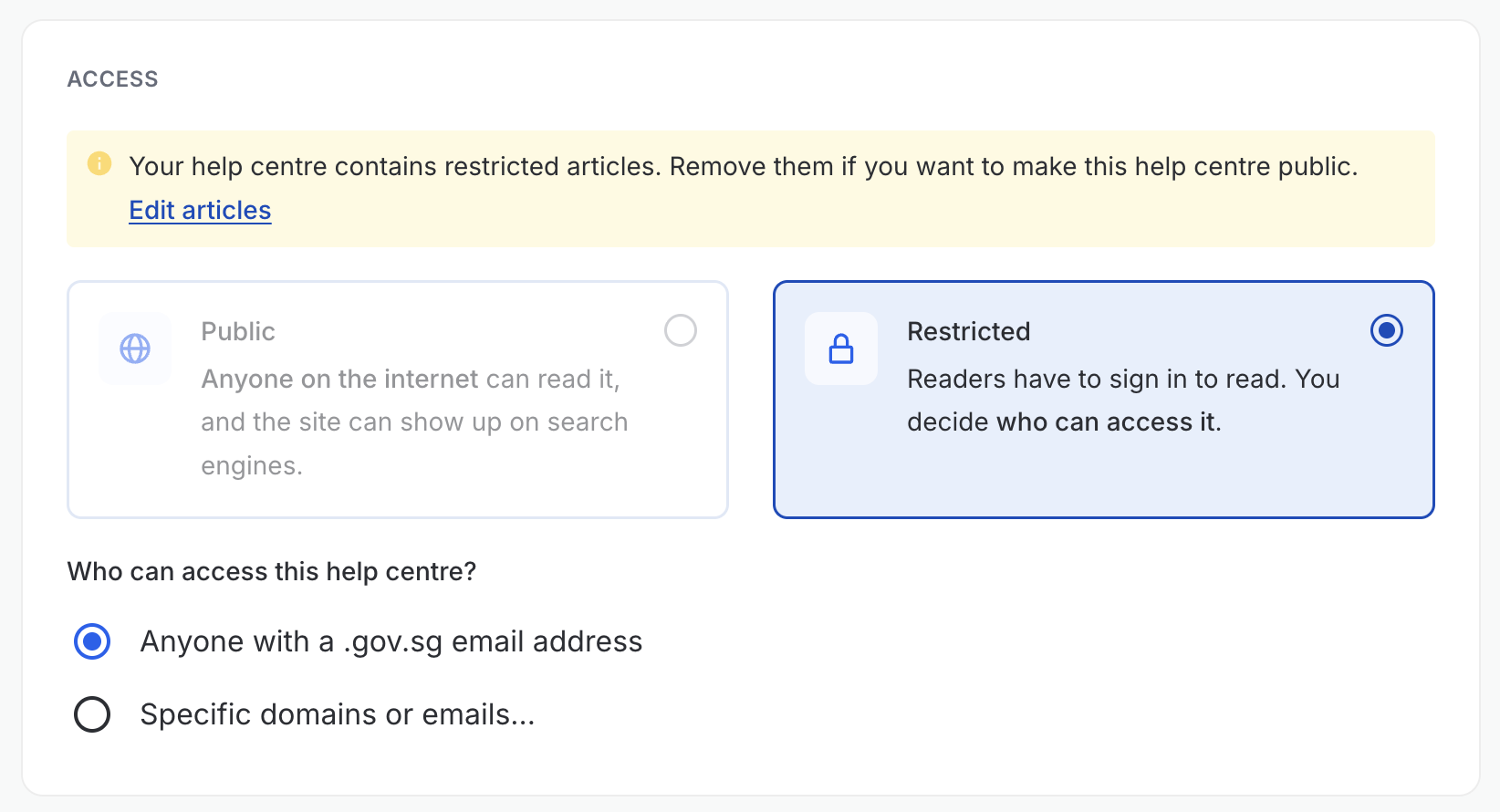
Open Help centres, select the restricted centre, then go to Settings → Access.
Configure access using the all-.gov.sg option or specific domains and individual email addresses.
Review each centre’s audience separately. Reader access to one centre does not grant access to other centres.
Related questions
Need more help?
Describe your issues to us.