

help
A Singapore Government Agency Website
Back to home
Updated by HELP
Can I delete or archive questions?
Yes, help articles can be deleted — but only while they're in draft. If the article is currently published, you'll need to unpublish it first, then delete it.
If you'd rather not delete an article at all, you can also achieve a similar effect by using draft mode, since draft articles are never shown publicly.
To unpublish an article
Click into a published article. The status should be "Live".
At the top of the article, select "Unpublish article"
A popup will appear asking you to confirm.
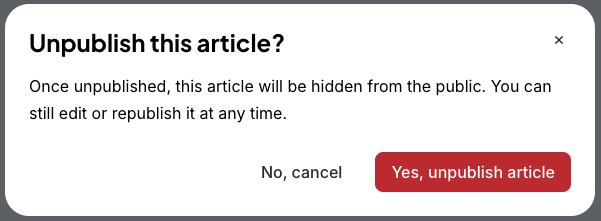
Select "Yes, unpublish article". The article is no longer public and will show as a draft.
To delete an article
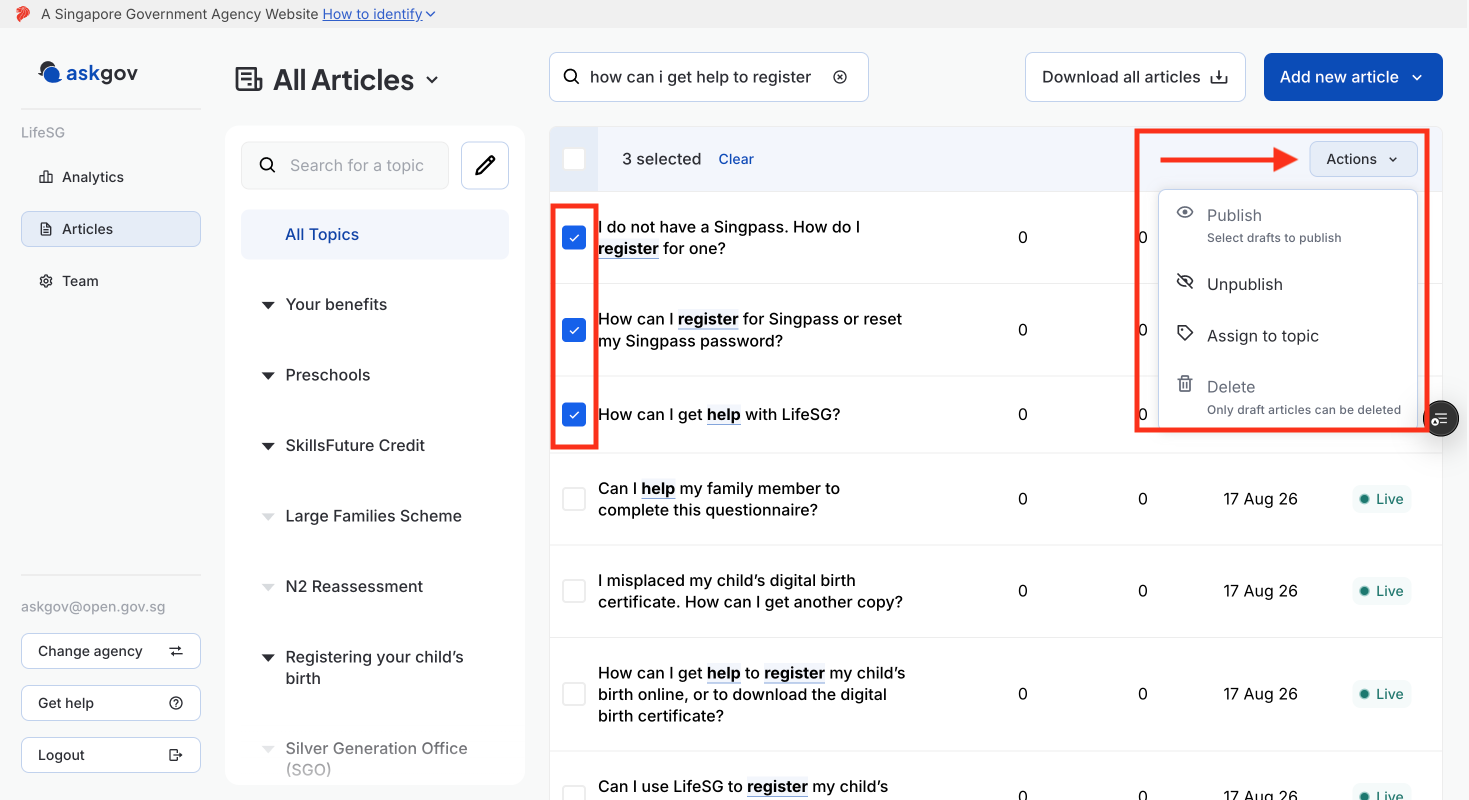
Step 1: Go to the articles table in Admin Studio.
Step 2: Select the checkbox next to each article you want to edit.
Step 3: Once you've selected your article, press on Actions and select delete. You can bulk delete by selecting multiple articles. More information here
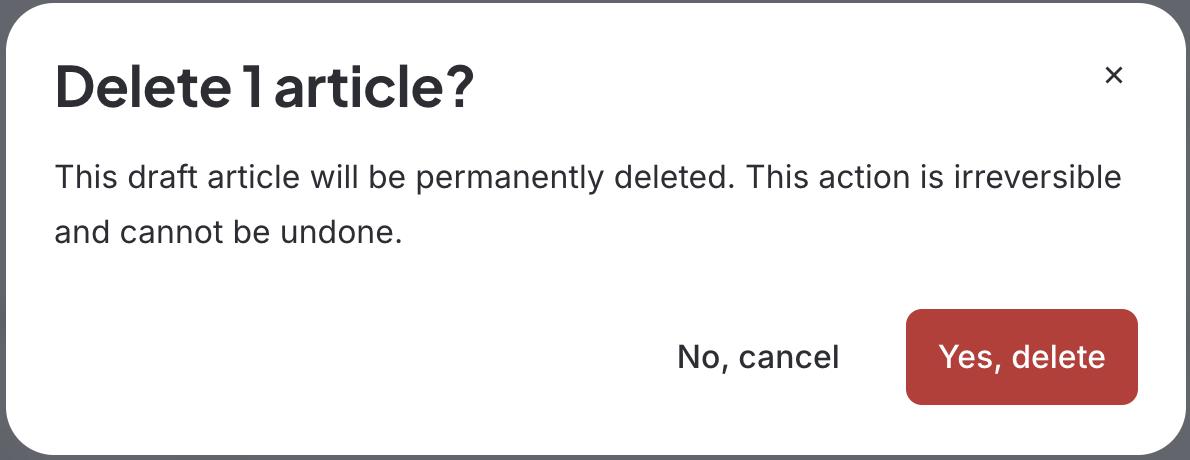
Step 4: Confirm and press "Yes, delete"
Related questions
Need more help?
Describe your issues to us.