
help
5
A Singapore Government Agency Website
Back to home
Updated by HELP
How to embed AskGov directly within your website?
To get started, share these instructions with your website vendor or website team.
To embed AskGov on your contact us page or website page:
Add https://ask.gov.sg as a frame-src
Add the following code to your website:
Update the agency code to your agency e.g. the example below is for IPOS
<div style="font-family: Sans-Serif; font-size: 15px; color: #000; opacity: 0.9; padding-top: 5px; padding-bottom: 8px;"> If the form below is not loaded, you can also fill it in <a href="https://ask.gov.sg/ipos/questions/new?from=embed">here</a>. </div> <iframe id="iframe" src="https://ask.gov.sg/ipos/questions/new?from=embed" style="width: 100%; height: 1100px" ></iframe>
Place this code on your contact us page e.g. https://www.ipos.gov.sg/contact-us
Whitelist the following domains:
And you're done!
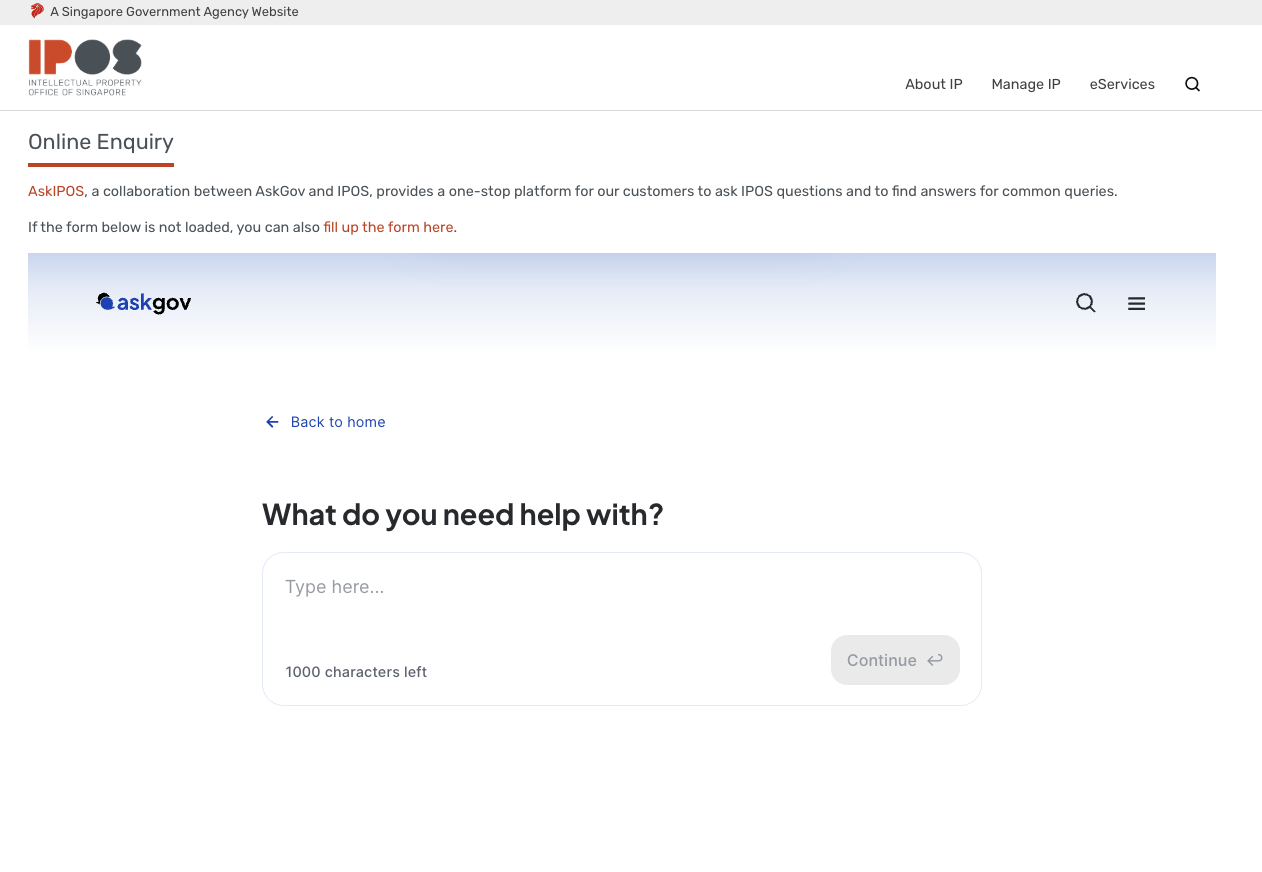
Refer to IPOS website as an example: https://www.ipos.gov.sg/contact-us
 If your website is using Isomer (OGP) :
Contact the Isomer team here if you have any issues.
Topics:
Onboarding AskGovRelated questions
Need more help?
Describe your issues to us.