
bright
5
A Singapore Government Agency Website
Back to home
Updated by BRIGHT
How can I remove a contributor from a referral?
As long as you are a contributor, you will be able to remove any contributors from the referral (including yourself). Head to the "Contributors" tab and you will be able to see the "delete" button beside each individual's name.
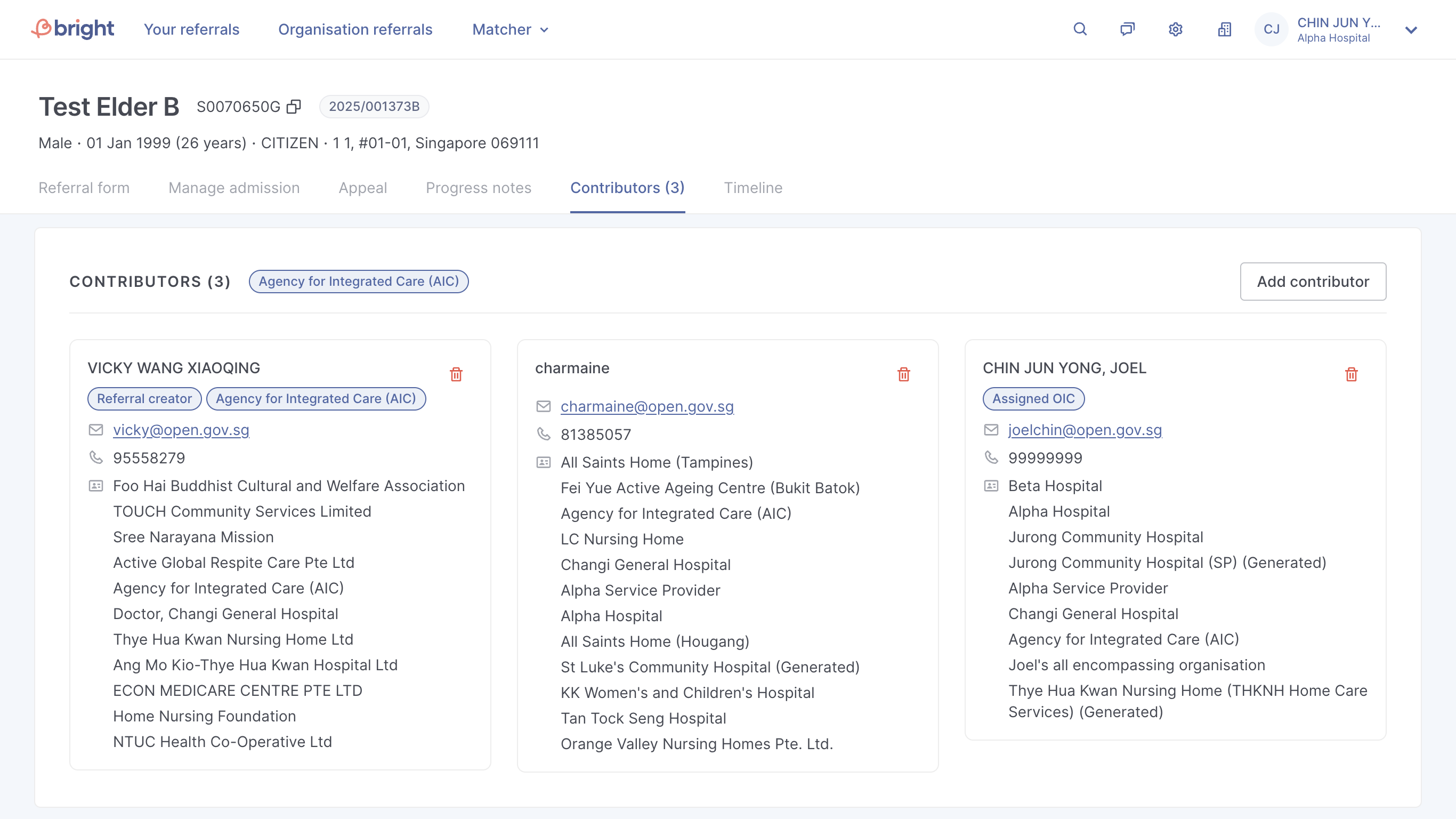
Please take note that
If there's only one contributor left, you will not be able to remove yourself,
Referral creator cannot be removed,
Assigned OIC cannot be removed
Topics:
ReferralsRelated questions
Need more help?
Describe your issues to us.