
singpass
1203
A Singapore Government Agency Website
Back to home
Updated by SINGPASS 11 found this helpful
How do I block or allow Singpass access when overseas?
1. What is this security feature?
Singpass allows you to control whether your account can be used outside Singapore. This prevents any account misuse from an overseas IP address.
When overseas access is blocked, you cannot complete transactions or access e-services using Singpass, but you can still log into Singpass to update your profile and settings.
2. When should I block overseas access?
You may want to block overseas access if:
You are travelling and do not need to use Singpass
You want an extra layer of security while overseas
You may want to allow overseas access if:
You need to access government services or log in with Singpass while overseas.
Your organisation requires Singpass login from overseas locations
3. How do I enable/disable this feature?
You can toggle the “Access from overseas IP addresses” security setting under “Update profile” after logging in to the Singpass portal. Follow the steps below to block overseas access to your Singpass account.
Step 1: Log in to Singpass at https://portal.singpass.gov.sg/home/ui/login
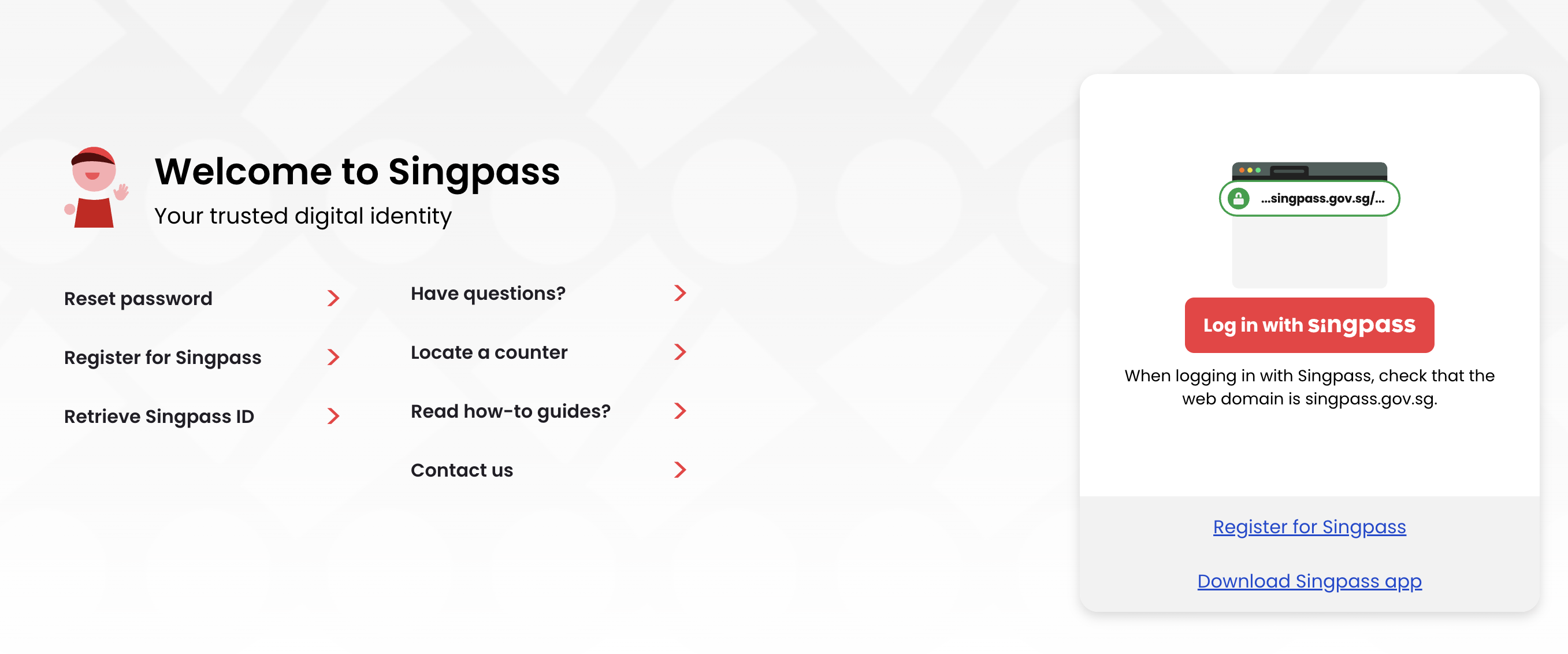
Step 2: Go to ‘Update profile’
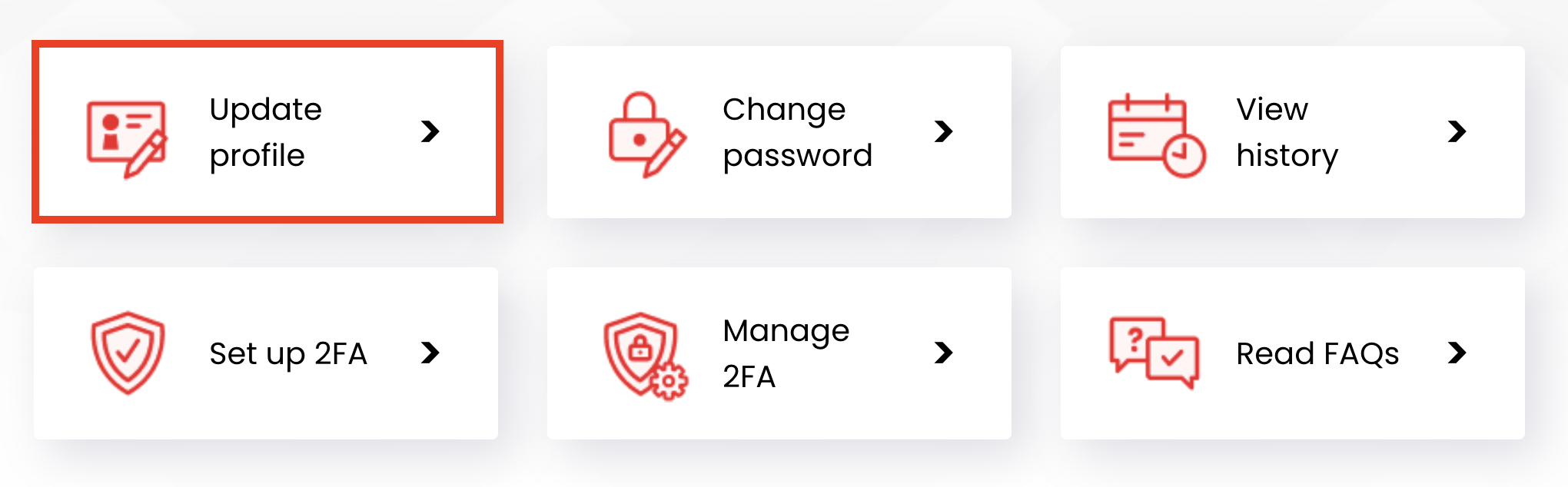
Step 3: Under ‘Access Preferences’, you can choose to Block or Allow overseas IP addresses by selecting the radio buttons. Select “Block” to prevent access to your Singpass from overseas IP addresses.

If you see the message “Overseas access blocked”, it means your Singpass is currently set to block access from overseas IP addresses.
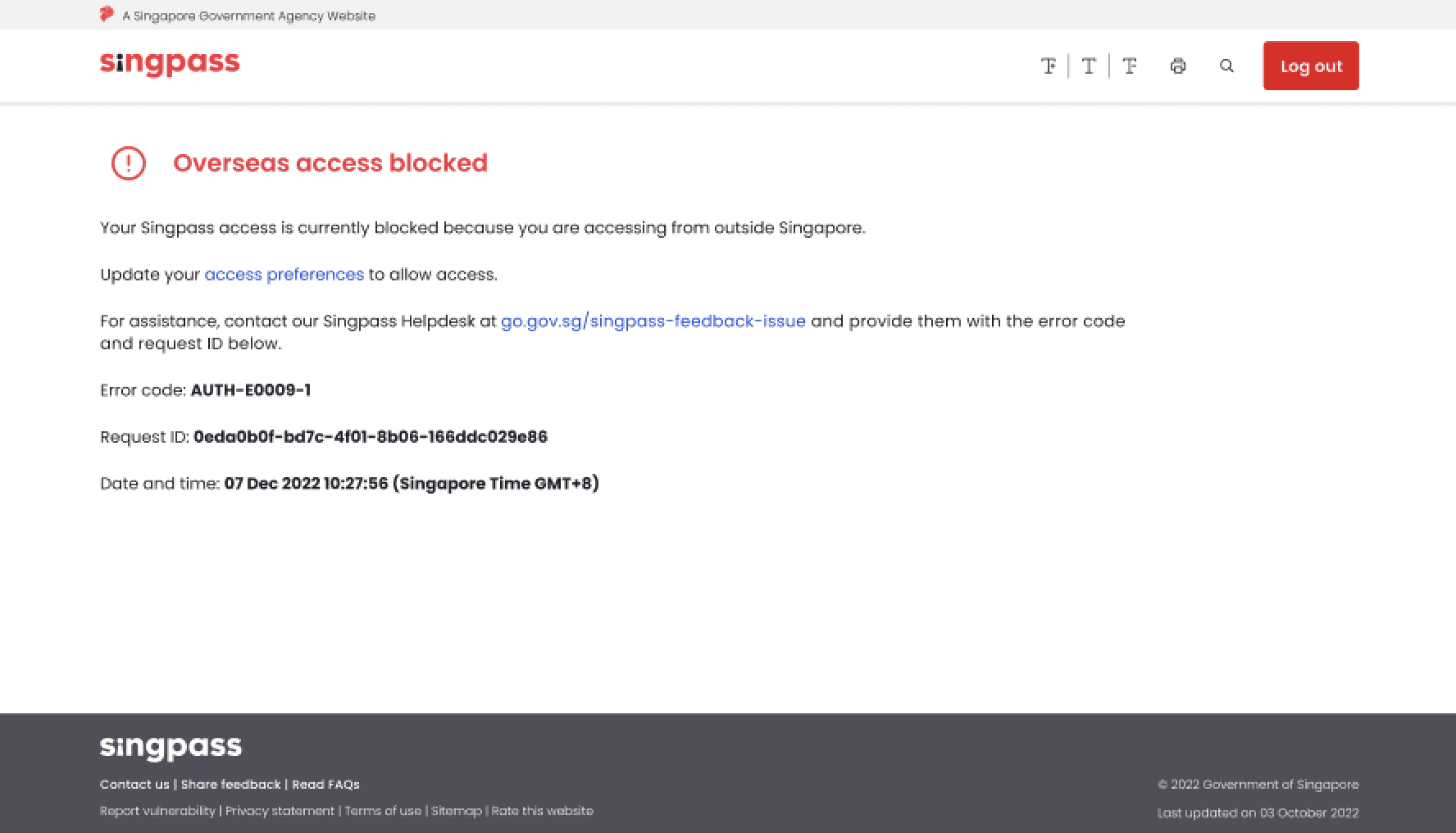
Note: To undo this, log in to the Singpass portal and change the “Access from overseas IP addresses” setting to “Allow”.
Related questions
I am living overseas. How do I register for a Singpass account?
How do I set up SMS 2FA?
singpass
392
392
I reside overseas and the OneKey Token was my only 2FA method. What are my alternatives if I need to access digital services that require Singpass 2FA?
singpass
52
52
From other agencies

Need more help?
Describe your issues to us.