
singpass
1539
A Singapore Government Agency Website
Back to home
Updated by SINGPASS 831 found this helpful
I am a Singpass Foreign user Account holder. What is my Singpass ID and how do I retrieve it?
Your Singpass ID was provided in the registration email that you received when your Singpass Foreign user Account (SFA) was created. Look for an email with the subject “Registration of Singpass account (Foreign Users)” from Singpass.
If you cannot find the email:
Retrieve your Singpass ID easily in a few steps.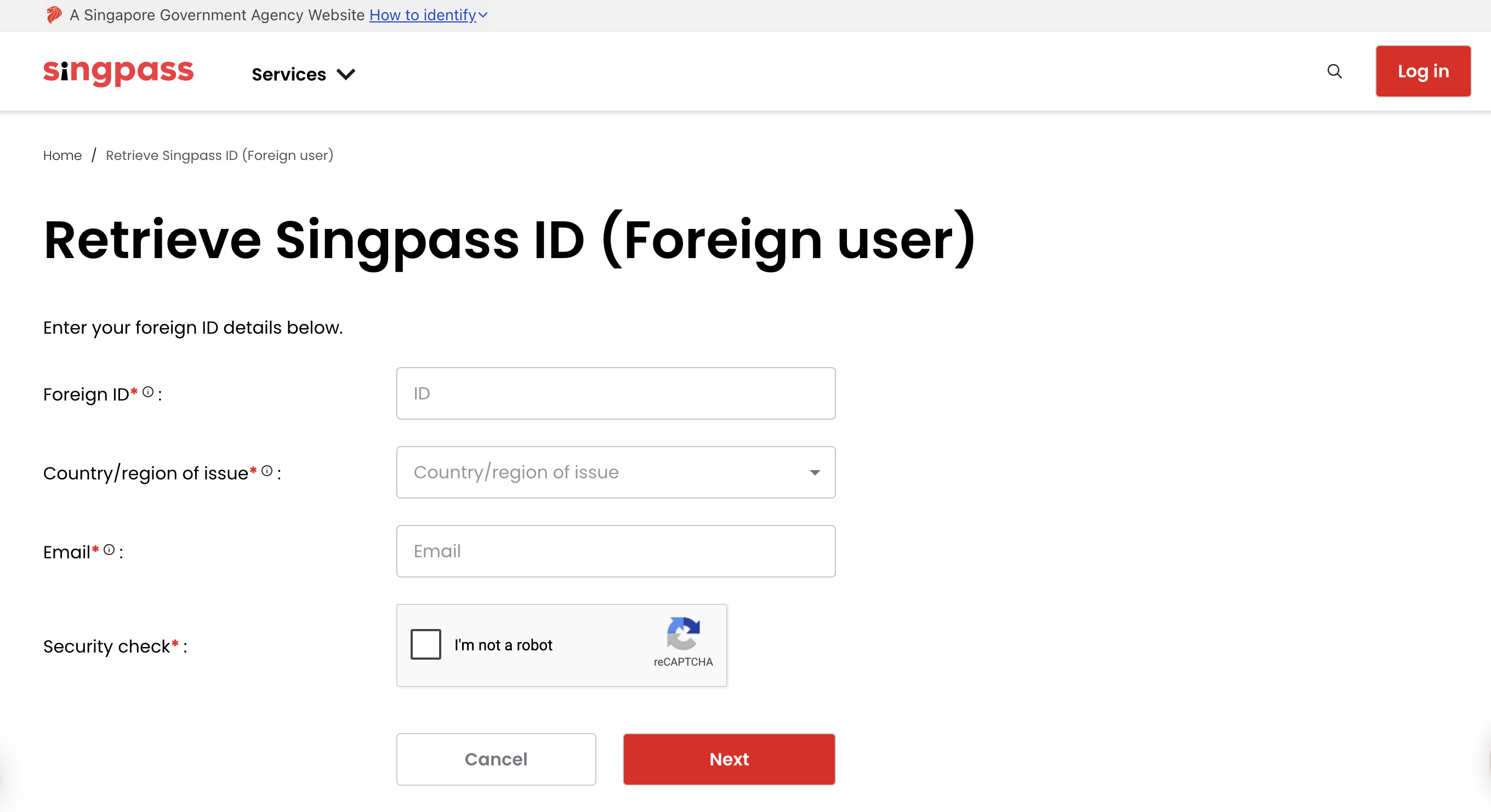
Once you are at the “Retrieve Singpass ID (Foreign user)” page, follow the steps below:
Enter your Foreign ID that was used to register for your SFA account (e.g. passport number)
Enter the Country of Issuance and the email address you used to register
Tick the security check and click Next
Your Singpass ID will be sent to your registered email address
Related questions

Need more help?
Describe your issues to us.