
parkingsg
12
A Singapore Government Agency Website
Back to home
Updated by PARKINGSG 40 found this helpful
How do I change or update my credit card?
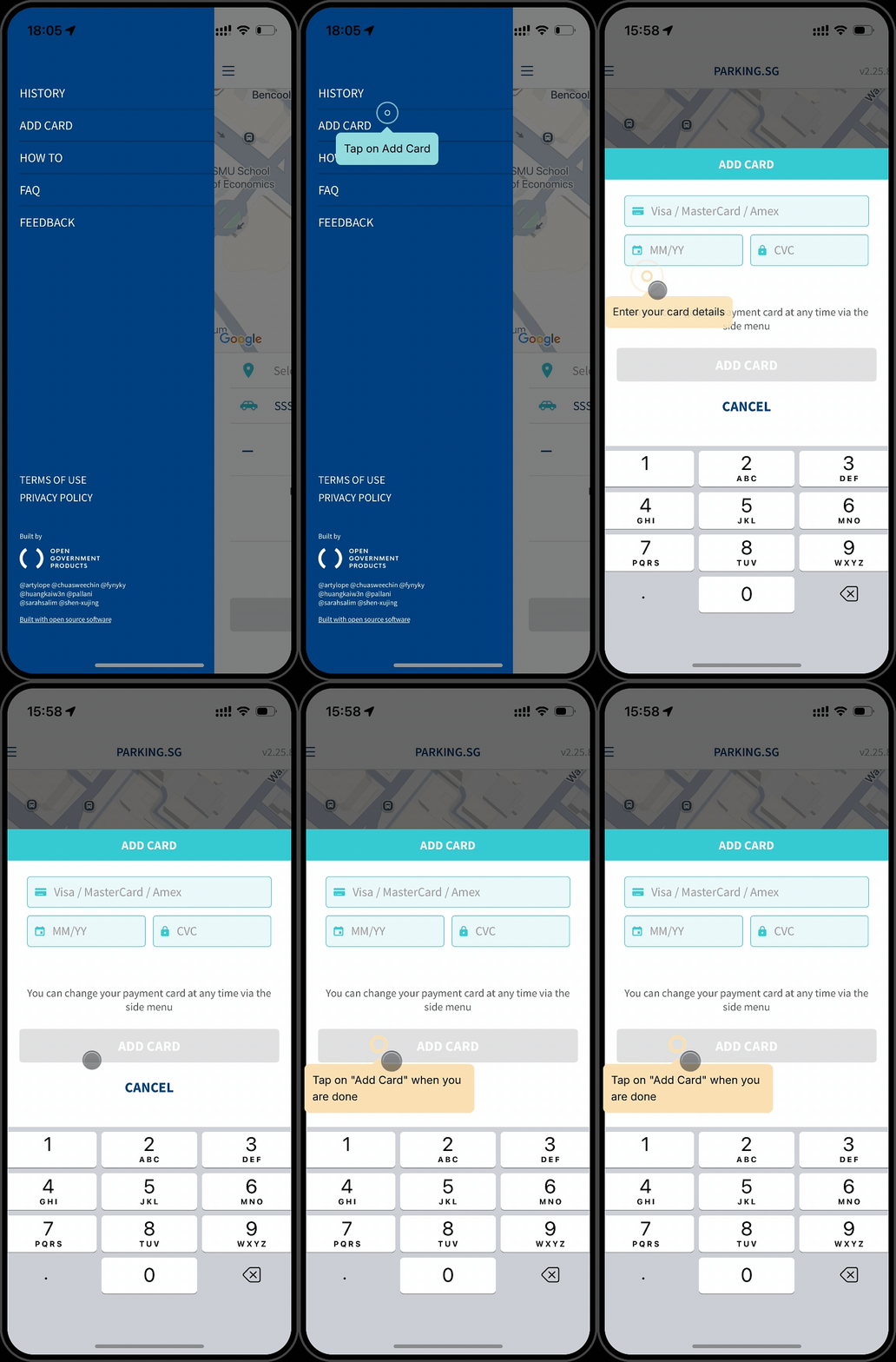
To update your credit card details, follow these steps:
Tap on "REMOVE CARD" in the top left drop-down menu
After removing the existing card, tap on "ADD CARD" from the same menu
Enter your new credit card details Your new card will now be saved in the app and ready for your next transactions.
Related questions
Need more help?
Describe your issues to us.